
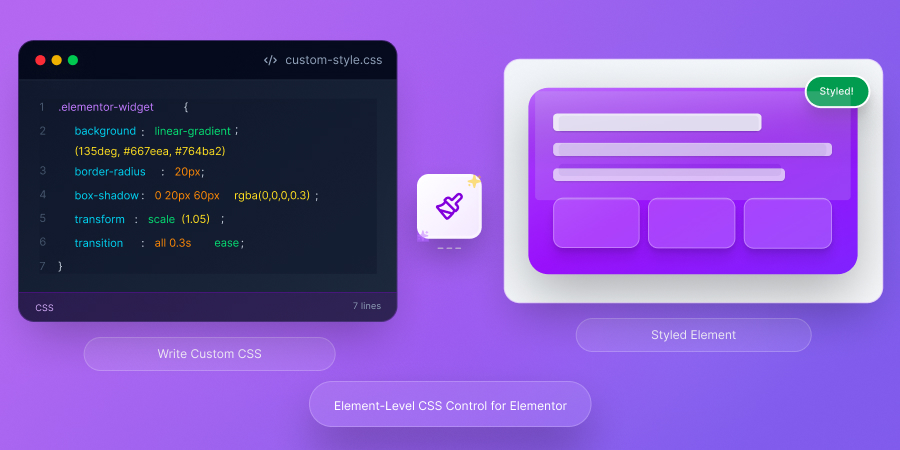
✨ Element-Level CSS Control
Add Custom CSS to Any Elementor Element
Write element-specific CSS directly in Elementor. Style individual widgets without affecting other elements or writing complex selectors.
Precision Styling Made Easy
Take complete control of your Elementor designs with element-level custom CSS.
Element-Specific Styling
Apply CSS to individual elements without creating custom classes or ID selectors. Each element has its own isolated CSS editor.
Smart Selector Keyword
Use the 'selector' keyword to target the wrapper element automatically. No need to figure out complex CSS selectors.
Override Default Styles
Break free from Elementor's default styling limitations. Add custom hover effects, transitions, and advanced animations.
Clean Code Organization
Keep CSS organized at the element level instead of one giant global stylesheet. Easier to maintain and debug.
No Conflicts
Element-specific CSS prevents style conflicts. Changes only affect the target element, not your entire site.
Quick & Targeted Styling
Easily apply your own CSS code to any active widget, column, or section without editing the entire template.
How to Use the Selector Keyword
Target the wrapper element with the magic 'selector' keyword.
/* Change background color of this element */ selector { background-color: #D73361; padding: 20px; border-radius: 10px; } /* Add hover effect */ selector:hover { transform: scale(1.05); box-shadow: 0 10px 30px rgba(0,0,0,0.2); transition: all 0.3s ease; } /* Style child elements */ selector h2 { color: #ffffff; font-weight: 700; }
Add Custom CSS in 3 Steps
Start styling elements with custom CSS in under a minute.
Enable Module
Go to HT Mega settings and turn on the "Custom CSS" module in the Modules tab.
Select Element
In Elementor, click any widget, column, or section you want to customize with CSS.
Write CSS
Go to Advanced tab → HT Mega Custom CSS. Write your CSS using 'selector' keyword or use AI assistance!
When You Need Custom CSS
Common scenarios where element-level CSS is essential.
Custom Hover Effects
Create unique hover animations and transitions that go beyond Elementor's built-in options.
Advanced Styling
Apply complex gradients, filters, blend modes, and CSS properties not available in Elementor's UI.
Responsive Tweaks
Fine-tune element appearance for specific breakpoints with media queries and responsive CSS.
Performance Optimization
Use CSS transform and opacity properties for smooth, GPU-accelerated animations.
Third-Party Widget Fixes
Override styles from third-party plugins and widgets that don't provide styling options.
Precise Control
Target pseudo-elements like ::before, ::after, or child selectors for granular styling control.
Frequently Asked Questions
What does 'selector' keyword do?
The 'selector' keyword automatically targets the wrapper element. It's replaced with the actual CSS selector at runtime.
Do I need CSS knowledge?
Basic CSS knowledge is helpful. You can use the 'selector' keyword to simplify targeting, and copy CSS examples from online resources.
Does it work with all Elementor elements?
Yes! Add custom CSS to any Elementor widget, column, section, or container. Works with both free and pro elements.
Will my CSS affect other elements?
No. CSS is scoped to the specific element unless you use child selectors. Changes only affect the target element and its children.
Can I use media queries?
Absolutely! Write responsive CSS with media queries for different screen sizes and devices.
Can I use CSS frameworks?
You can write CSS directly in the editor but can’t import external frameworks.
Ready for Advanced Element Styling?
Take complete control with element-level custom CSS for precise styling.
