
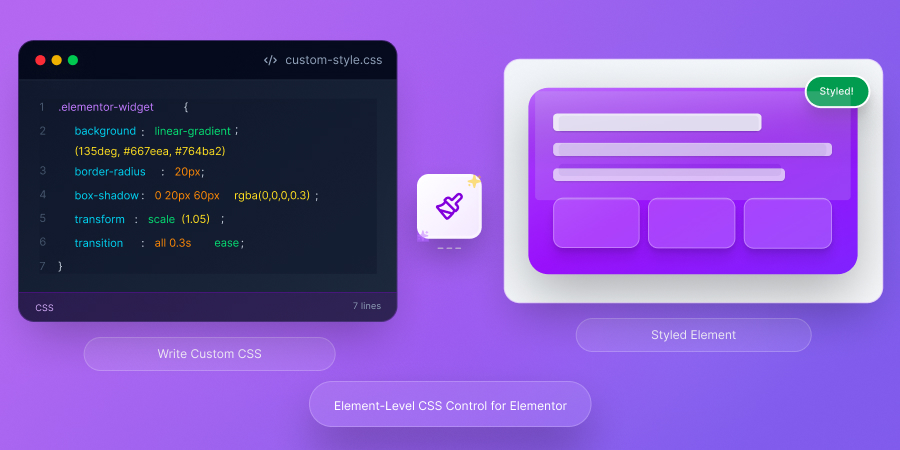
✨ Element-Level CSS Control

Add Custom CSS to Any Elementor Element

Write element-specific CSS directly in Elementor. Style individual widgets without affecting other elements or writing complex selectors.

Custom CSS
Advanced Control

Precision Styling Made Easy

Take complete control of your Elementor designs with element-level custom CSS.

Simple Syntax

How to Use the Selector Keyword

Target the wrapper element with the magic 'selector' keyword.

/* Change background color of this element */ selector { background-color: #D73361; padding: 20px; border-radius: 10px; } /* Add hover effect */ selector:hover { transform: scale(1.05); box-shadow: 0 10px 30px rgba(0,0,0,0.2); transition: all 0.3s ease; } /* Style child elements */ selector h2 { color: #ffffff; font-weight: 700; }

Quick Setup

Add Custom CSS in 3 Steps

Start styling elements with custom CSS in under a minute.

1

Enable Module

Go to HT Mega settings and turn on the "Custom CSS" module in the Modules tab.

2

Select Element

In Elementor, click any widget, column, or section you want to customize with CSS.

3

Write CSS

Go to Advanced tab → HT Mega Custom CSS. Write your CSS using 'selector' keyword or use AI assistance!

Real Applications

When You Need Custom CSS

Common scenarios where element-level CSS is essential.

Common Questions

Frequently Asked Questions

Ready for Advanced Element Styling?

Take complete control with element-level custom CSS for precise styling.

Scroll to Top