
Elementor Video Gallery: Add YouTube, Vimeo & MP4 Videos (Step by Step)

Quick answer: To build an Elementor video gallery with HT Mega, enable the Video Gallery widget in HTMega Addons settings, drag it onto your page, add your YouTube, Vimeo,…

Quick answer: To build an Elementor video gallery with HT Mega, enable the Video Gallery widget in HTMega Addons settings, drag it onto your page, add your YouTube, Vimeo,…

If you run a WooCommerce store, you've almost certainly watched shoppers add items to their cart and then vanish before paying. It's one of the most common and most frustrating problems in ecommerce,
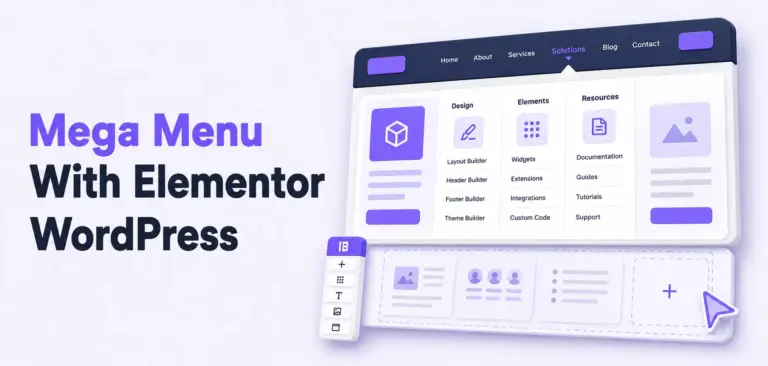
A mega menu lets you build rich, multi-column dropdown menus with images, icons, links, and even WooCommerce widgets, all without touching a single line of code. And the best part? You don't need Elementor Pro to do it.

If you run an Elementor-powered WordPress website, displaying your Instagram feed is one of the fastest ways to add fresh, visual content and social proof without manual updates.
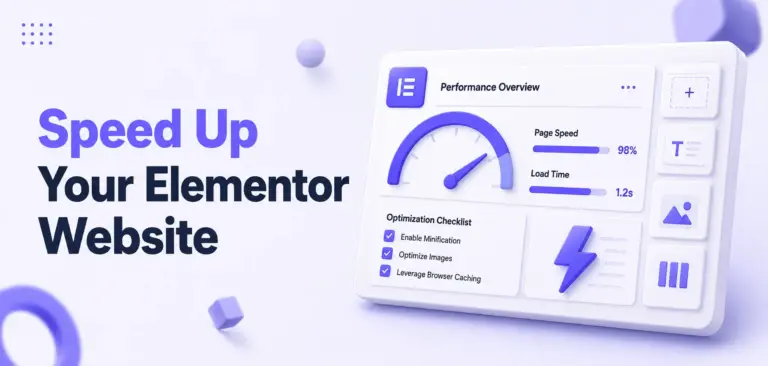
If your Elementor pages look great but feel sluggish, you’re not imagining it. Many Elementor sites struggle with Core Web Vitals like Largest Contentful Paint (LCP) and Interaction to…
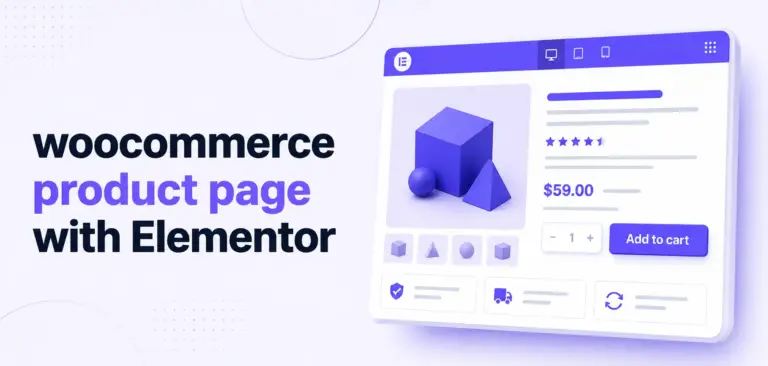
Your WooCommerce product page is where visitors finally decide to buy or abandon their cart. Elementor gives you visual control over layout, and HT Mega adds powerful WooCommerce and…

If you’ve ever wanted a professional image gallery that lets visitors click through thumbnails without leaving your page, you’re not alone. This is one of the most requested features…

You may already be using HT Mega Free and wondering whether the Pro version adds enough value for your next Elementor project. The answer depends less on the total…

Every single day, 30,000 WordPress websites fall victim to hacking attempts, and insecure forms are among the primary entry points for attackers. As a website owner or developer managing…

Your website’s header is the first thing 100% of your visitors see. Within milliseconds, it sets the tone for their entire experience and determines whether they stay or bounce.…
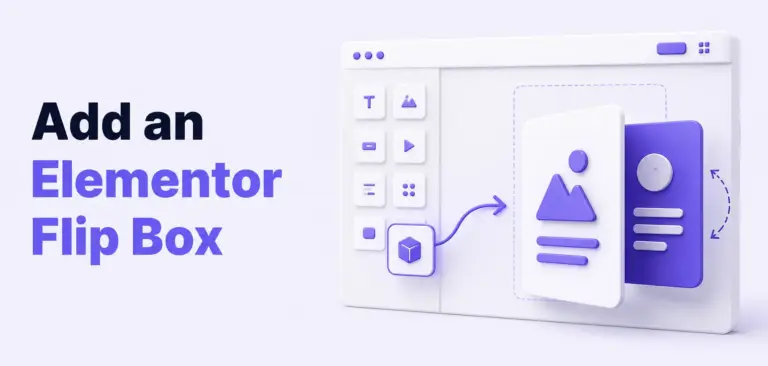
Quick Answer: To add a flip box in WordPress with Elementor Free, install and activate HT Mega, enable the Flip Box widget from HT Mega Addons → Settings →…

In today’s content-saturated digital world, information isn’t enough it must be presented engagingly. That’s where a well-designed timeline comes in. Whether you are showcasing company history, a product roadmap,…
