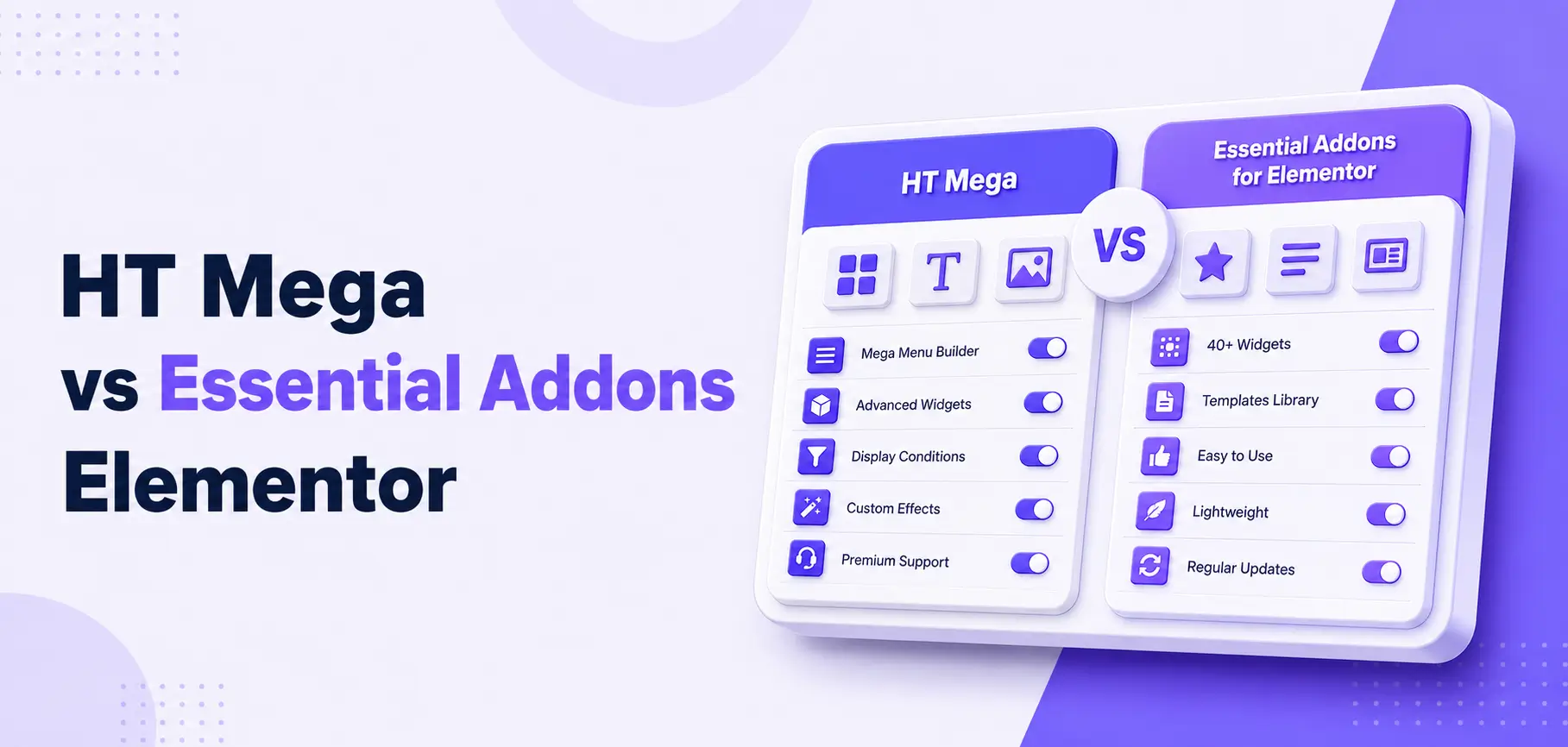

Choosing between HT Mega and Essential Addons for Elementor isn’t just a question of features; it’s a decision that affects your site’s speed, plugin count, and how much time you spend managing tools rather than building pages.
Both are popular Elementor plugins. Both extend what Elementor can do. But they take different approaches, and in 2026, when page speed and lean plugin stacks matter more than ever those differences are worth understanding before you install anything.
Quick Answer
HT Mega is the better pick if you want a single addon for theme builder, mega menu, performance modules, and AI writing tools. Essential Addons suits teams already invested in the EA ecosystem who just need extra widgets.
Table of Contents
Why This Comparison Matters in 2026
WordPress now powers roughly 41.9% of all websites, and Elementor holds approximately 43% of page-builder usage as of June 2026. That scale means your addon choice directly affects your site’s speed, maintenance overhead, and long-term scalability.
Modern SEO rewards clean HTML and lean CSS. Stacking three or four heavy Elementor addons is one of the fastest ways to slow down a store or blog. This guide answers one core question:
Can HT Mega help Elementor users build faster, leaner sites compared to relying on Essential Addons alone?
What Is HT Mega?
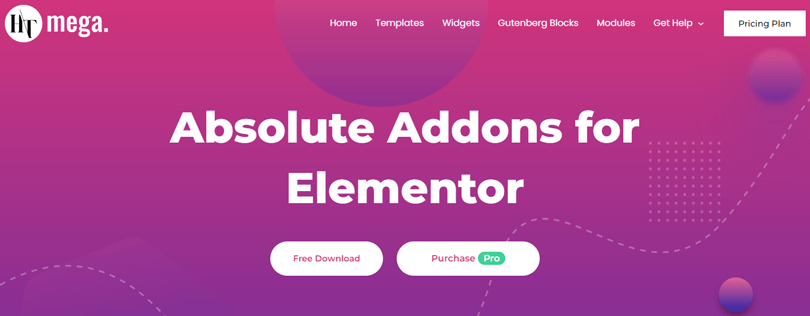
HT Mega is an all-in-one Elementor addon that ships with 135+ widgets (100+ free), a theme builder, mega menu builder, WooCommerce widgets, Gutenberg blocks, an AI Writer, and multiple performance-focused modules. Its goal is to replace several standalone plugins with one centrally managed package.
You can explore the full HT Mega widgets library and review available performance and utility modules to see what’s included before you install.
What Is Essential Addons for Elementor?
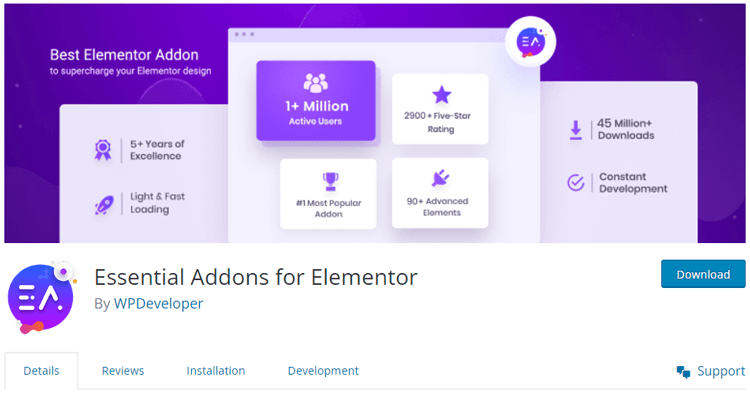
Essential Addons for Elementor is a long-standing widget bundle extending Elementor with 50+ free and 80+ Pro widgets and extensions. It focuses on popular content elements, marketing widgets, and advanced post displays, and promotes an “optimized for super-fast loading” approach through an element control panel.
Feature Comparison(HT Mega vs Essential Addons) at a Glance
Performance & Speed: Which One Helps More?
This is the heart of the comparison. Here’s how each addon approaches site speed.
HT Mega’s Performance-Focused Features
HT Mega includes several features specifically designed to cut bloat:
- Modular widget loading: Enable or disable individual widgets so only active-widget assets are loaded on the front end.
- Asset optimization and widget toggle panel: The admin settings let you switch off entire widget groups with one click.
- Conditional frontend asset loading: The changelog confirms improved conditional loading and query caching for post widgets, reducing unnecessary requests.
- Advanced Sticky module: Adds sticky headers, sidebars, and sections without a separate plugin.
- Bundled utility modules: Theme builder, mega menu, scroll-to-top, reading progress bar, floating effects, wrapper link, post duplicator, sales notification, and cross-domain copy-paste are all built-in.
Consolidating these functions into one addon reduces plugin count, cuts JS/CSS conflicts, and simplifies performance audits.
Read More: Learn how it works in the how to add sticky content in Elementor guide
Essential Addons’ Performance Approach
Essential Addons markets itself as a fast, clean library. Key points:
- Element control panel lets you enable or disable individual widgets globally.
- Output is generally clean and well-optimized at the widget level.
- However, you’ll still need separate plugins for mega menu, sticky behavior, sales popups, and templates, which adds back the overhead you saved.
Real-World Example: WooCommerce Store Setup
Consider a WooCommerce store that needs:
- A mega menu
- A sticky header
- A sales notification popup
- A template library
- A copy-paste helper for multi-site work
With Essential Addons: You install EA + four or five separate plugins — multiple update cycles, potential JS conflicts, and more HTTP requests per page.
With HT Mega: Mega Menu, Advanced Sticky, Sales Notification, Post Duplicator, and Cross-Domain Copy-Paste are all native modules you switch on in one dashboard. One addon. One update. Central asset control.
From a performance and maintenance perspective, HT Mega gives you more levers to keep the site lean without sacrificing functionality.
Can HT Mega Help You Build Faster Sites?
Yes — in three concrete ways.
1. Fewer Plugins, Lower Risk
Every extra plugin adds HTTP requests, increases the risk of update conflicts, and spreads performance settings across different admin screens. HT Mega bundles theme builder, mega menu, sticky, sales notification, reading progress bar, scroll-to-top, floating effects, wrapper link, post duplicator, conditional display, and cross-domain copy-paste as native modules.
Replacing even three or four standalone plugins with built-in modules typically reduces page weight, debugging time, and compatibility issues.
2. Granular Asset Control from One Place
The widget toggle and modular loading system let you keep the per-page asset footprint close to zero for unused features. In practice:
- Go to HT Mega → Settings → Widgets and turn off anything not used on your site.
- Do the same for modules — if you don’t use Sales Notification or Reading Progress Bar, disable them.
- For advanced sites, use the Conditional Display module to load widgets only on specific pages.
The result: fewer scripts and stylesheets loaded on every request.
3. AI Writer Speeds Up Your Workflow
HT Mega’s AI Writer integrates with OpenAI GPT-4, Anthropic Claude, and Google Gemini to help you draft headings, product copy, and meta descriptions inside WordPress without switching tools. It won’t change Core Web Vitals directly, but it cuts content production time significantly for small teams. You can see the module listed on the HT Mega modules page.
Real-World Use Cases
Blogger / Content Site
HT Mega gives you:
- Post grids, sliders, timelines, and dynamic galleries for content layouts
- Advanced Sticky for keeping CTAs or author boxes in view during long reads
- Reading Progress Bar to boost engagement on long-form posts
- AI Writer for drafting FAQs, intros, and section summaries faster
Looking for inspiration? Browse the Elementor Pricing Table widget and other ready-made widgets to see what’s possible on content-heavy pages.
Essential Addons gives you:
- Solid post grids and content elements
- Standard content protection and marketing extensions depending on your plan
Verdict: For a blog that wants to minimize plugins while gaining engagement features and a theme builder, HT Mega is typically the stronger system.
Small Business / Agency Brochure Site
HT Mega’s 370+ templates and 790+ ready blocks let you assemble full site layouts quickly, without buying a separate template kit. The Mega Menu Builder replaces standalone mega menu plugins, and the theme builder handles headers, footers, and archive pages without Elementor Pro.
Essential Addons complements Elementor Pro well if you already own it and just need extra widget variety. But if you don’t own Elementor Pro, HT Mega can close that gap at a lower total cost.
WooCommerce Store
HT Mega’s WooCommerce widgets — Add to Cart, Product Categories, and Checkout page — combine naturally with Sales Notification, Wrapper Link, and Mega Menu to create a coherent purchase funnel from one plugin. The WooCommerce Add to Cart widget page covers how to implement this without extra plugins.
Essential Addons covers WooCommerce widgets competently, but for mega menus, sticky CTAs, and sales popups, you’ll likely add separate plugins.
Pricing in 2026
HT Mega’s free tier is unusually generous. The theme builder, mega menu, AI Writer, and 100+ widgets at no cost mean many sites won’t need Pro at all. See current HT Mega pricing and plan details for exact figures.
How to Decide: Quick Checklist
Choose HT Mega if you:
- Want one plugin to handle theme builder, mega menu, performance modules, and templates
- Are optimizing for page speed and want to reduce plugin count
- Need an AI content writer built into your WordPress dashboard
- Don’t own Elementor Pro but need theme-builder-level control
- Run a WooCommerce store and want integrated sales-funnel tools
Choose Essential Addons if you:
- Already own Elementor Pro and want supplementary widget variety
- Are fully invested in the EA ecosystem and workflows
- Are comfortable managing several specialized plugins and handling performance tuning manually
Setup Tips for HT Mega Users
- Start with HT Mega Free. Activate only the widgets and modules you actually need for your site.
- Audit the widget panel. Go to HT Mega → Settings and disable anything unused to keep assets minimal.
- Replace your mega menu plugin. Use the built-in Mega Menu module instead of a standalone plugin.
- Use Theme Builder for headers and footers. This eliminates the need for a separate theme builder or header plugin.
- Enable Advanced Sticky for key CTAs. Especially valuable for product pages and long blog posts. See the Advanced Sticky module docs for setup guidance.
- Use AI Writer for batch content tasks. Draft FAQs, meta descriptions, and feature bullets faster, then edit for tone and brand accuracy.
Frequently Asked Questions
Which is better for site speed: HT Mega or Essential Addons?
HT Mega has more built-in speed levers: modular widget loading, conditional asset loading, query caching, and bundled utility modules that replace standalone plugins. Essential Addons offers clean widget output and element control but usually sits alongside extra plugins for mega menu, sticky, and popups.
Do I still need Elementor Pro if I use HT Mega?
No, not necessarily. HT Mega includes a full theme builder (header, footer, archive, and single templates) plus 100+ widgets in the free version, so you can build complete sites without Elementor Pro.
Does HT Mega have tools to speed up content creation?
Yes. The built-in AI Writer connects to OpenAI, Claude, and Gemini to generate copy inside WordPress, and the template library offers 370+ templates and 790+ blocks for fast layout work.
Which addon is better for WooCommerce stores?
For stores that want fewer plugins and an integrated sales funnel, HT Mega is generally the better fit: WooCommerce widgets, Sales Notification, Mega Menu, and Advanced Sticky are all native. Essential Addons handles WooCommerce widgets well but relies on extra plugins for mega menu and popups.
Can I use both HT Mega and Essential Addons at the same time?
Technically yes, but it’s rarely ideal. Running two large addon suites raises the risk of overlapping CSS/JS, redundant features, and unnecessary asset loading. Pick one as your primary toolkit and add specialized addons only where there is a clear gap.
Is HT Mega’s free version enough for a small business site?
For most portfolios, service sites, and small stores, yes. The free version includes 100+ widgets, theme builder, mega menu, templates, and Gutenberg blocks. Upgrade to Pro for advanced modules like Conditional Display, enhanced Advanced Sticky, and Cross-Domain Copy-Paste when your workflows require them.
Which addon is easier for beginners?
Both are beginner-friendly inside Elementor’s drag-and-drop interface. HT Mega’s single settings panel for all widgets and modules can actually be simpler to manage than juggling multiple specialized plugins that Essential Addons users often need.
Conclusion
For most Elementor users in 2026 – bloggers, small business owners, and WooCommerce store builders- HT Mega offers more value per plugin slot. Its free tier alone covers theme builder, mega menu, AI writer, 100+ widgets, and granular asset control, which typically replaces three to five standalone plugins.
Essential Addons remains a solid, mature option for teams already embedded in the EA ecosystem or those who own Elementor Pro and need supplemental widgets rather than a full toolset upgrade.
If your priority is speed, simplicity, and getting more done from fewer plugins, start with HT Mega. Explore all available widgets and check the current pricing plans to find the setup that fits your site.