
Quick answer: HT Mega is the best choice if you want a free Flip Box inside a wider Elementor toolkit. Unlimited Elements gives you the most animation and click-trigger control. Essential Addons and HappyAddons make sense if you already use them. Move Addons is another option for users who prefer a straightforward Flip Box setup. If you have Elementor Pro, you already have a native Flip Box widget.
You drop a flip box into your Services section, and it looks great on your laptop. Then someone opens the page on their phone, taps the card, and nothing happens. Or you install a plugin, only to find the widget you wanted sits behind a paid plan.
Flip boxes sound simple, but plugins handle them very differently. Some give you a few effects. Some let visitors flip the card with a click. And only some include the widget for free.
A flip box is a card with two sides. The front shows a short message. When a visitor hovers or clicks, the back shows more detail or a button. People use them for services, team profiles, product features, and calls to action.
One thing to know before you install anything: Elementor Pro already comes with a Flip Box widget. Elementor Free doesn’t. If you’re on the free version, you’ll need an addon. This guide compares five that include one: HT Mega, Unlimited Elements, Essential Addons, HappyAddons, and Move Addons.
In this guide, you will learn:
- Which plugins include a Flip Box, and which tier you need
- How the animation and trigger options differ
- Whether you need a plugin at all if you own Elementor Pro
- How to make flip boxes work on mobile and stay accessible
- Current pricing for each plugin, checked October 15, 2026
Table of Contents
Quick Comparison of the Best Elementor Flip Box Plugins
| Plugin | Flip Box availability | Best for | Effects and triggers | Starting price |
|---|---|---|---|---|
| HT Mega | Free | Flip Box plus a broad toolkit | 13 animation styles, 5 layouts | Free. Pro from $29/year (current offer) |
| Unlimited Elements | Free | Animation and trigger control | 24 animation types, hover, click, trigger button | Free. Pro from $49/year |
| Essential Addons | Free | Existing Essential Addons users | Flip, zoom, and fade types | Free. Pro from $3.75/month, billed annually (current offer) |
| HappyAddons | Free (Lite) and Pro | Design variety | Free: 3D flip card. Pro: 9 demo designs | Free. Pro from $35/year |
| Move Addons | Free | A straightforward free option | 4 styles | Free. Pro from $39/year |
What Is an Elementor Flip Box?
An Elementor Flip Box is a widget that stacks two content layers in one space. A visitor interacts with the card, and the widget reveals the second layer. Interaction is usually hover. Some plugins also support click.
Here is a realistic example. Say you run a design agency site on Elementor Free and need a Services section.
- Add three Flip Box widgets in one row.
- On the front, place an icon and a service name.
- On the back, add a two-line summary and a “View Service” button.
- Match the box heights so the row stays even.
Flip boxes work well for:
- Service summaries
- Product features
- Team profiles
- Portfolio items
- Package highlights
- Calls to action
What Is an Elementor Flip Box?
An Elementor Flip Box is a widget that stacks two content layers in one space. A visitor interacts with the card, and the widget reveals the second layer. Interaction is usually hover. Some plugins also support click.
Here is a realistic example. Say you run a design agency site on Elementor Free and need a Services section.
- Add three Flip Box widgets in one row.
- On the front, place an icon and a service name.
- On the back, add a two-line summary and a “View Service” button.
- Match the box heights so the row stays even.
Flip boxes work well for:
- Service summaries
- Product features
- Team profiles
- Portfolio items
- Package highlights
- Calls to action
Do You Need a Flip Box Plugin If You Have Elementor Pro?
Often, no. Elementor Pro includes a Flip Box widget with flip and slide effects, front and back backgrounds, and a 3D depth option. Its documentation was last updated September 15, 2026.
An addon makes sense when:
- You use Elementor Free.
- You want more animation types or click triggers.
- You already need other widgets from the same addon.
Don’t install a whole addon just for one widget if Elementor Pro already covers it.
How We Compared These Plugins
We compared public product pages, live demos, documentation, and official pricing pages on October 15, 2026. We did not run speed benchmarks, so we make no performance claims.
We looked at:
- Flip Box availability in free vs paid versions
- Animation and layout options
- Trigger options (hover, click, button)
- Front and back content controls
- Link and button support
- Value of the wider widget library
- Current pricing
5 Best Elementor Flip Box Plugins
HT Mega
Best for: Users who want a free Flip Box and more Elementor widgets in the same plugin.
he HT Mega Flip Box widget is part of the free version of HT Mega. It offers 13 animation styles, including flip, slide, push, zoom, and fade effects, and the HT Mega team documents five layout styles for it. You can place content on both sides and style each side separately. HT Mega also lists a Pro-only Pricing Table Flip Box and a Flip Carousel for related needs.
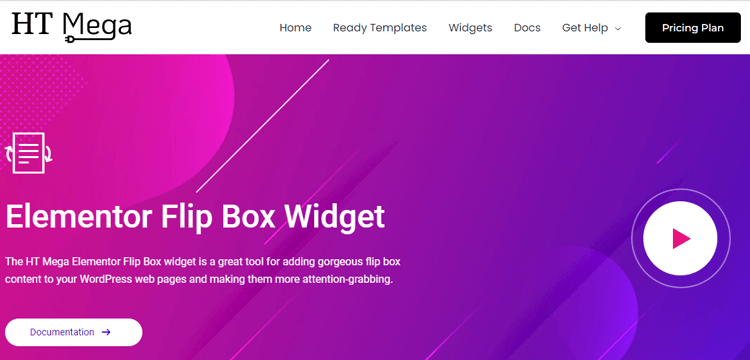
Your site visitors will certainly be drawn in by the stylish look of the flip boxes with their shiny, bold colors and smooth animation. So upgrade your pages today with the fantastic Flip Box widget and make sure your viewers stay on your web pages longer!
Highlighted Features:
- 5 styles
- Clean and intuitive design
- Smooth animation
- Fast loading
Pricing:
There are 2 different pricing plans for HT Mega:
Yearly Plans
- Personal Plan (1 site): $29/year (regular $69)
- Developer Plan (5 sites): $79/year (regular $125)
- Growth Plan (999 sites): $99/year (regular $165)
One Time Plans
- Personal Plan (1 site): $99 (regular $139)
- Developer Plan (5 sites): $149 (regular $298)
- Growth Plan (unlimited sites): $159 (regular $398)
Move Addons
Best for: Users who want a straightforward free Flip Box with predefined styles.
The Move Addon, Flip Box widget, enables you to create an interactive element on your website easily. With it, you can add visual interest to your content by flipping a box when someone hovers over the area. There are four styles available for you to choose from, and you can customize the flip box layout however you’d like.
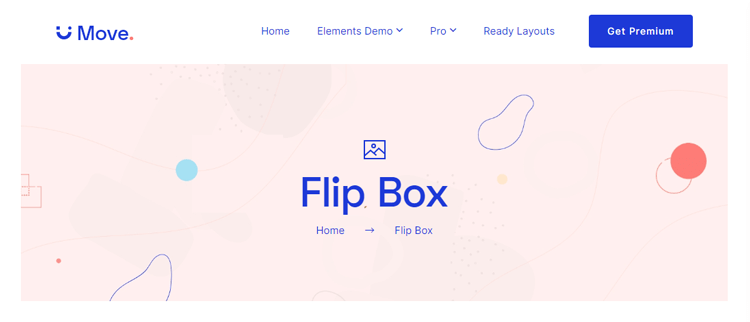
Whether it’s for a call-to-action element, or just some fun animation, using the Move Addon Flip Box widget means injecting creativity into your website in no time!
Highlighted Features:
- 4 Styles
- Stylish design
- Responsive
- Easy to use
Pricing: There are 2 different pricing plans for Move Addons:
Yearly Bundle plan:
- Personal Plan: $39/ Year
- Developer Plan: $89/ Year
- Agency Plan: $179/ Year
Lifetime Bundle plan:
- Personal Plan: $149/ Lifetime
- Developer Plan: $349/ Lifetime
- Agency Plan: $549/ Lifetime
Happy Addons
Best for: Designers who want ready-made visual variations.
The Happy Addon builder plugin’s Flip Box widget is one of the most visually stunning widgets on the market. With customizable backgrounds and gutter options, anyone can make their web page look professional and polished.
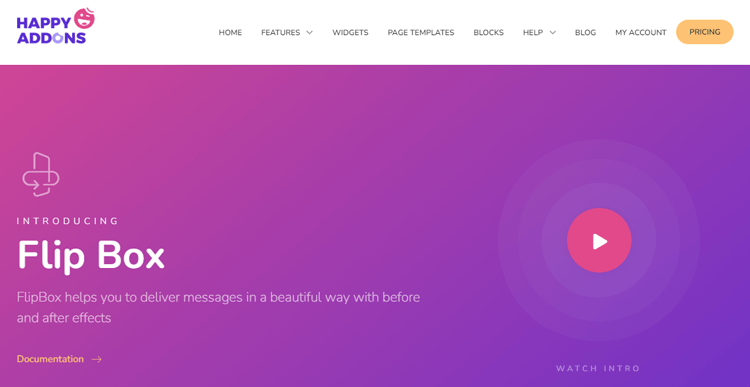
And using the 3D flip box design looks especially exciting when you see it in action. You won’t find this feature with any other widget, which makes Happy Addon’s version all the more impressive.
Even if you’re a beginner, you’ll be able to take advantage of all its features with the help of a wide range of demos available. This is truly a must-have widget for any website!
Highlighted Features:
- 4 Styles
- 3D flip box design
- Gutter options
- Easy to use
Pricing: There are 2 different pricing Bundle plans for Happy Addon:
Annual Plan
- Starter Plan: $39/ Yearly
- Professional Plan: $89/ Yearly
- Business Plan: $189/ Yearly
Lifetime Plan
- Starter Plan: $149/ Lifetime
- Professional Plan: $349/Lifetime
- Business Plan: $549/ Lifetime
Essential Addons
Best for: Sites that already run Essential Addons.
Adding a little bit of flair and animation to your content can make all the difference in giving visitors an enjoyable experience. If you’re seeking for a simple solution to do that, the crucial addons Elementor Flip Box widget is a great option. With only one click, you can add an engaging motion effect and an interactive layout.
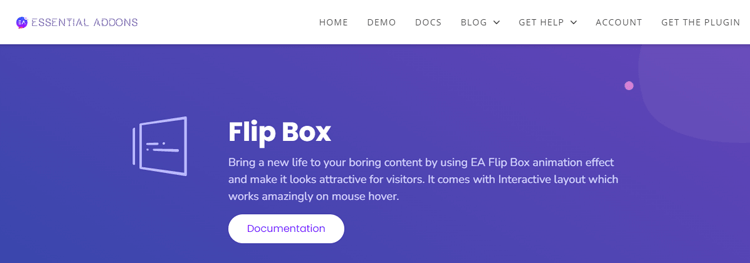
The EA Flip Box offers six different styles, so you can choose a look that matches your website’s theme. And all this comes without worrying about coding or other technical knowledge – once you install the plugin, you can start using it immediately. So why not spruce up your website today with some interactive flip box effects?
Highlighted Features:
- 6 Styles
- Interactive flip box effects
- Smooth animation
- Easy to use
Pricing: There are 4 different pricing Year Bundle plans for Essential Addon:
- 1 website Plan: $39.98/ Yearly
- Unlimited Plan: $79.98/ Yearly
- Lifetime Unlimited: $199.98/ Yearly
- Agency Bundle Lifetime Plan: $639.20/ Lifetime
Unlimited Elements
Best for: Users who want the most animation and interaction options.
The Unlimited Elements Flip Box widget is the perfect tool for adding a touch of dynamism to any Elementor page. With it, you can turn simple content blocks into attention-grabbing centerpiece elements with a dramatic flip animation. This effect will draw in even the most casual browsers, inviting them to learn more about what you offer.
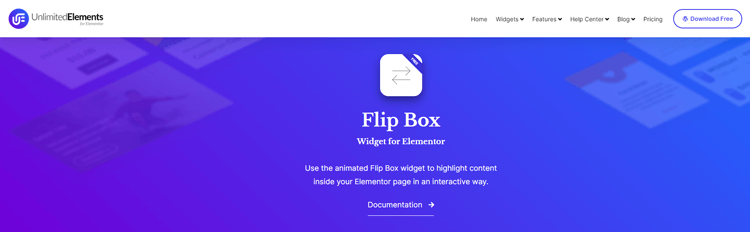
Elementor Flip Box Plugins is packed with useful features that make it versatile as well as powerful when it comes to designing dynamic, eye-catching visuals for websites. Users will see standard text or images on the front side of the widget. When they hover over it, they’ll be presented with an “inverse” view that could feature a call to action button or more compelling copy and visuals. So, make sure your website stands out by adding this one-of-a-kind widget today!
Highlighted Features:
- Dramatic flip animation
- Call to action button
- Highly Customizable
- Standard text or images
Pricing:
There are 2 different pricing plans for Unlimited Elements:
Annual Plan
- Starter Plan: $49/ Yearly
- Professional Plan: $99/ Yearly
- Business Plan: $149/ Yearly
Lifetime Plan
- Starter Plan: $199/ Lifetime
- Professional Plan: $299/Lifetime
- Business Plan: $549/ Lifetime
Tips for Creating Engaging Content with Elementor Flip Boxes
Elementor Flip Boxes are a great way to engage your audience and create content that is sure to draw attention. Utilizing the animation feature, you can transition between two images or sections of text effortlessly and make a great impact. When crafting content, take advantage of the Call To Action feature as well, which can incentivize readers and boost engagement.
Additionally, don’t be afraid to mix -match or add backgrounds and font styles to make your content more visually appealing; the unique combination of these elements will help keep your visitors engaged in your material.
Finally, make sure all necessary supporting information is present; no one likes being left hanging with only partial information! Incorporating all these tips into your Elementor Flip Box design will result in engaging and eye-catching content.
Frequently Asked Questions
What is an Elementor Flip Box?
It is a widget that shows two sides of content in one card. The front shows a short message, and the back reveals more detail after a hover or click.
Does Elementor have a Flip Box widget?
Yes, Elementor Pro includes one. Elementor Free does not, so free users need an addon.
Can I create a Flip Box with Elementor Free?
Yes, with an addon. HT Mega, Unlimited Elements, Essential Addons, HappyAddons, and Move Addons all include a Flip Box in their free versions. HappyAddons also sells a Pro version of the widget.
Which plugin supports click instead of hover?
Unlimited Elements documents hover, mouse click, and trigger-button options. Check the others before you assume they do.
Are Flip Boxes good for mobile devices?
They can be, if the widget supports tap or click and you test it on real devices. Hover behaves differently on touchscreens.
Do Flip Boxes slow down WordPress?
Flip boxes do not necessarily cause major performance problems. The impact depends on the plugin’s scripts, styles, images, animations, and how many widgets you use. We did not benchmark these plugins, so we cannot say which one is fastest.
Wrap Up
If you want a free Flip Box and a wider Elementor toolkit, HT Mega is a strong option. Unlimited Elements stands out when you need click triggers and many animation types. If you already use Essential Addons or HappyAddons, you may not need another plugin just for this widget. If you own Elementor Pro, compare these options with its native Flip Box first.
Want a wider view? Browse the HT Mega widget library or read our guide to Elementor tooltip plugins.